Remote work is not new. What is new is the expectation that distributed teams should be just as productive, creative, and connected as co-located ones — without the burnout that comes from "always on" Slack cultures and 6 AM meetings.
Our team spans four time zones: Pacific (UTC-8), Eastern (UTC-5), Central European (UTC+1), and China Standard (UTC+8). When someone in California starts their day, someone in Shanghai is ending theirs. There is zero overlap where everyone is awake and working simultaneously.
For the first three months, this was chaos. Then we rebuilt our entire collaboration stack around a single principle: async-first by default, synchronous only when necessary. Here are the five tools that made it possible, how we configured them, and what we learned along the way.
Excalidraw: The Whiteboard That Killed 60% of Our Meetings
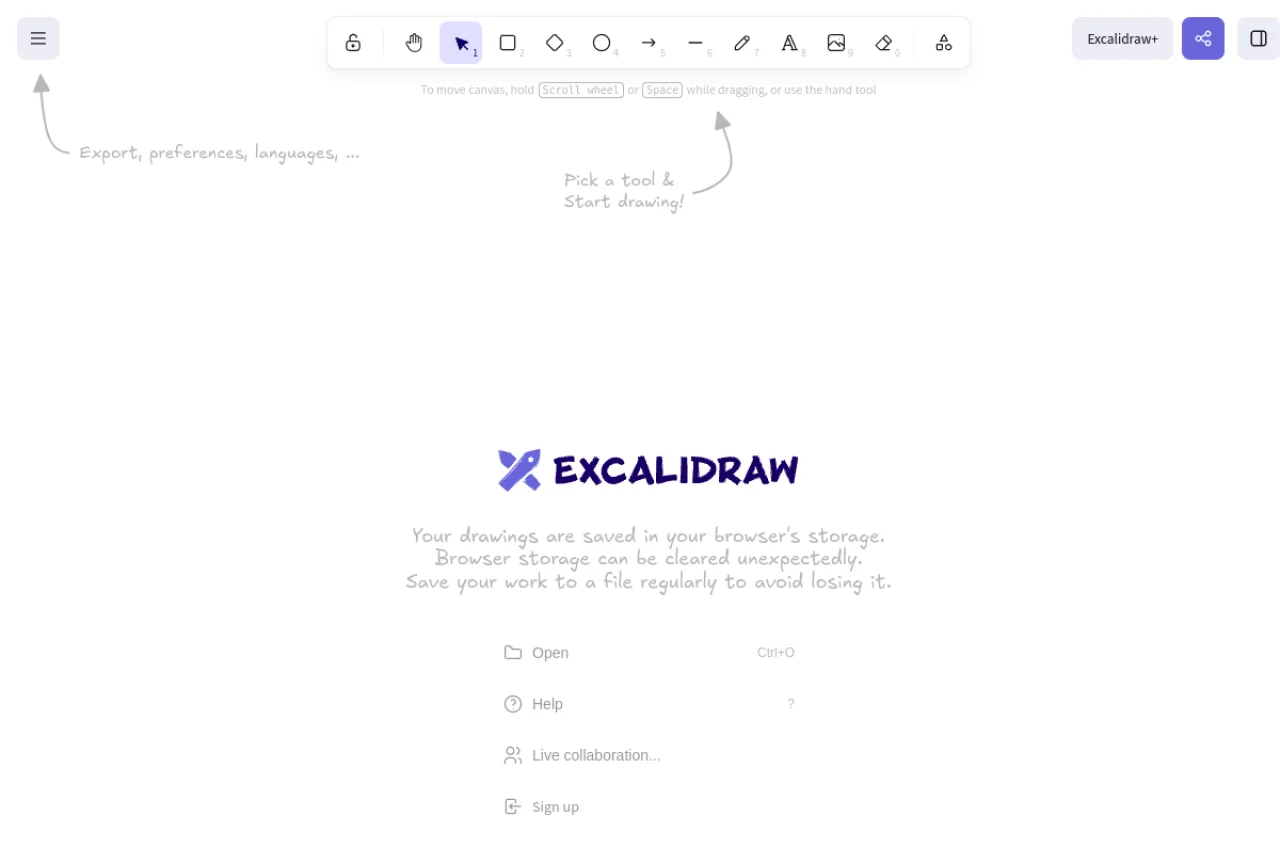
Excalidraw was the single highest-impact tool we adopted. It replaced the whiteboard sessions that used to require everyone to be in the same room — or at least on the same video call at the same time.
Our workflow works like this: when someone needs to propose an architecture decision, they sketch the diagram in Excalidraw, add annotations, and share the link in our project channel. Team members review it on their own schedule, leave comments directly on the canvas, and iterate. By the time we hold a synchronous discussion (if we even need one), everyone has already seen and thought about the proposal.
We measured the impact: meetings categorized as "architecture discussion" or "design review" dropped by 60% in the first month. The quality of decisions actually improved, because people had time to think before responding instead of feeling pressured to contribute immediately in a live whiteboarding session.
Snapdrop: The File Transfer Tool Nobody Talks About
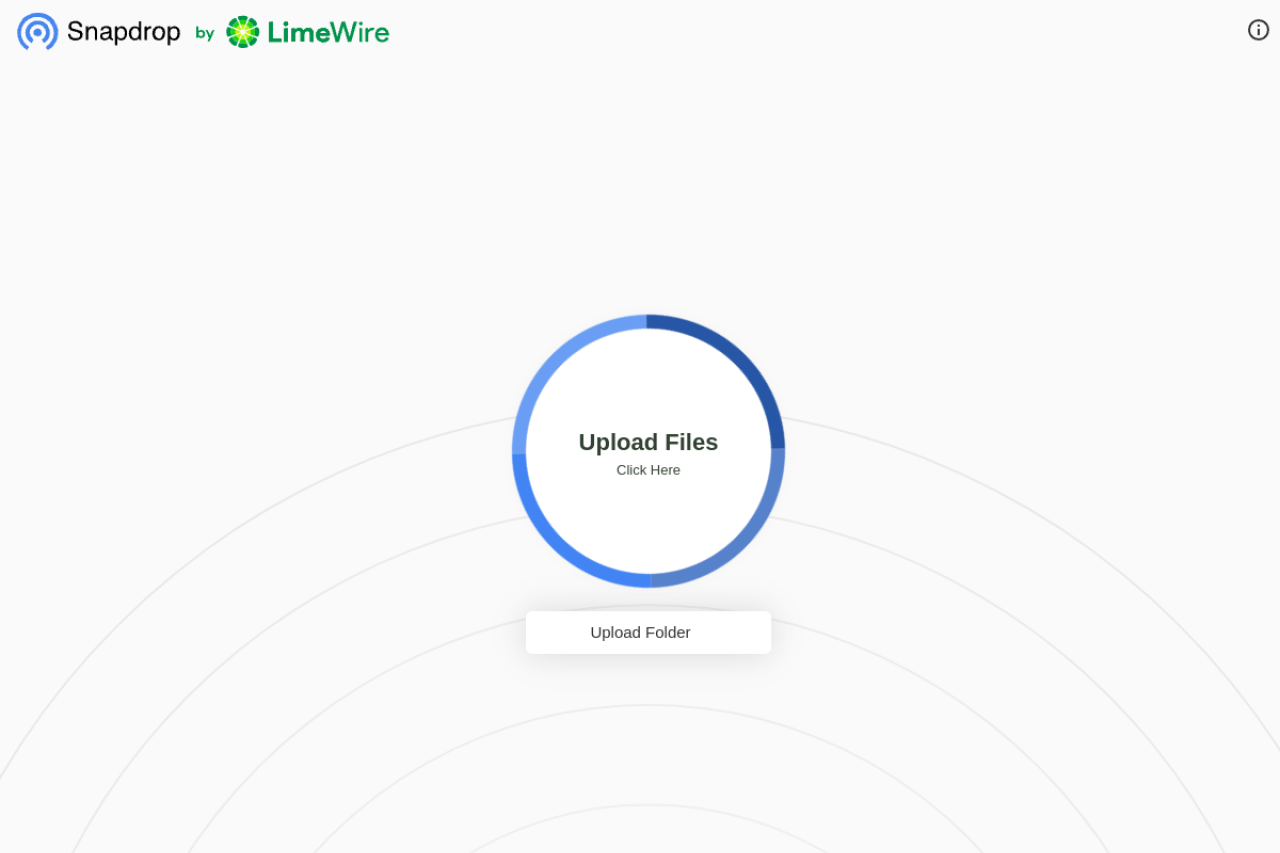
Snapdrop solved an embarrassing problem: our team was still emailing files to each other. A 50MB design mockup, emailed. A video preview, compressed to fit in Gmail's attachment limit, losing quality with every send.
Snapdrop transfers files directly between devices on the same network (or VPN) through the browser. No upload limits, no accounts, no configuration. The interface is dead simple: both people open the Snapdrop website, see each other's device appear, and drag files to transfer.
The killer feature is that it works across platforms. A designer on a Mac sends a .sketch file to a developer on Windows. A QA tester on Linux receives a build from a CI server. No operating system compatibility issues, no "I can not open this format" messages.
Performance note: For teams that are not on the same physical network, using a VPN with Snapdrop achieves the same local-transfer speed. We tested transfers across our WireGuard VPN, and a 200MB file transferred in about 15 seconds on typical office connections.
Convertio: The Format Rosetta Stone
Convertio handles the inevitable format collisions that happen when a team uses different operating systems and software ecosystems.
In a typical week, our team needs to convert: .pages to .docx, .webp to .png, .heic photos from iPhones to .jpg, and .csv exports to .xlsx for non-technical stakeholders. Convertio handles all 300+ formats in the browser. The local conversion option means sensitive documents never leave your device.
The most underrated feature is batch conversion. When a client sends 40 images in TIFF format and your CMS only accepts WebP and JPEG, Convertio processes all 40 in one batch — not one at a time.
Markdown Editor and Floating Ink Notes: The Documentation Backbone
Markdown Editor became our standard for all internal documentation: meeting notes, technical specs, onboarding guides, and project proposals. The Markdown format ensures documents are readable as plain text, renderable as formatted HTML, and version-controllable in Git.
Floating Ink Notes handles the less formal documentation: quick thoughts, project ideas, and shared reference materials. The lightweight interface encourages capturing information that might otherwise stay trapped in someone's head.

We found that teams using a shared notebook had measurably fewer "I did not know we had decided that" moments.
The Async-First Operating System
The tools above work because they are built around a philosophy, not just a feature list. Here are the rules we established:
- All decisions are documented in writing — in Markdown Editor or Floating Ink Notes — before they are discussed live
- Visual proposals start in Excalidraw and are shared for async review
- Files move through Snapdrop, not email attachments
- Format problems go to Convertio, not to the person who sent the file
- Synchronous meetings are scheduled only when async discussion has reached an impasse — and they are capped at 30 minutes
The result after six months: our team ships more features, with fewer meetings, and lower reported stress levels than we did when half the team was co-located. The tools are not magic. The philosophy is what makes the difference.
Read next: Cross-Border E-Commerce Tools That Simplify International Selling