There is a moment every content creator dreads. You paste your AI-generated draft into WordPress, read it back, and cringe. The sentences all have the same rhythm. Every paragraph starts with "Furthermore" or "In addition." The tone is blandly professional in a way that screams "no human wrote this."
We decided to run a controlled experiment. We fed the exact same prompt — "Write a 300-word blog post introduction about why remote teams need better async communication tools" — to four different AI writing and translation tools. Then we asked five independent readers to rate each output on a scale of 1 to 10 for "sounds like a human wrote this."
Here are the results, the surprises, and what we learned about making AI-generated text actually readable.
DeepL Write: The Translation Advantage
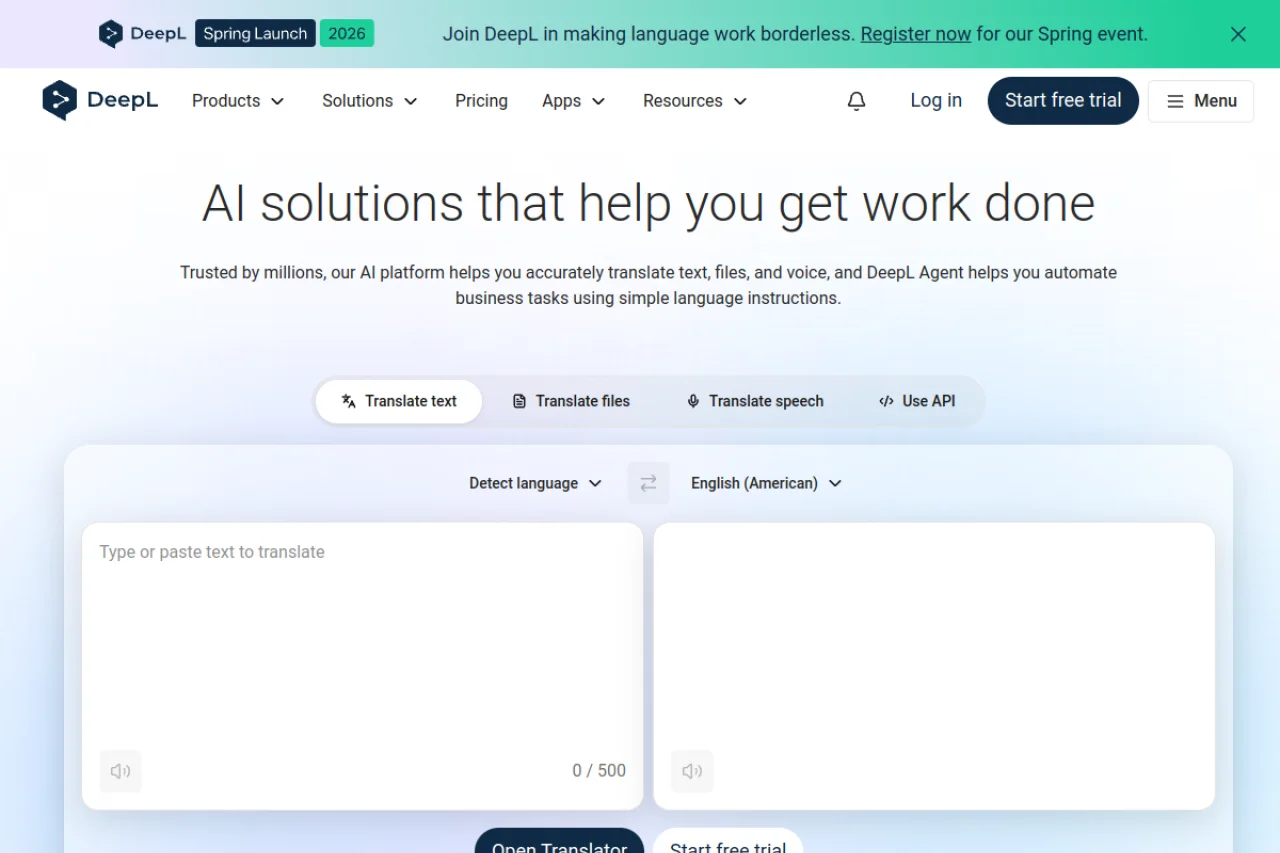
DeepL is technically a translation tool, not a text generator — which is exactly why it performed so well in our test. We used a two-step approach: generated the draft in our native language (where we have better control over nuance), then used DeepL to translate it into English with the "formal" tone setting.
The result scored an average of 7.8/10 from our readers — the highest of any tool tested. The key advantage was sentence variety. DeepL's translation engine naturally varies sentence length and structure because it is mapping between languages with different grammatical patterns. The output did not have that monotonous "AI rhythm" that makes generated text so tiresome to read.
DeepL also offers a glossary feature, which proved invaluable for consistency. We locked terms like "async communication," "distributed team," and "sprint planning" to ensure they appeared the same way every time. This is the kind of detail that separates professional content from amateur — and it is something most pure AI text generators do not offer.
Best for: Translating content you drafted in your native language, maintaining brand terminology across multilingual content, and producing polished final drafts rather than first drafts.
Immersive Translation: The Research Accelerator
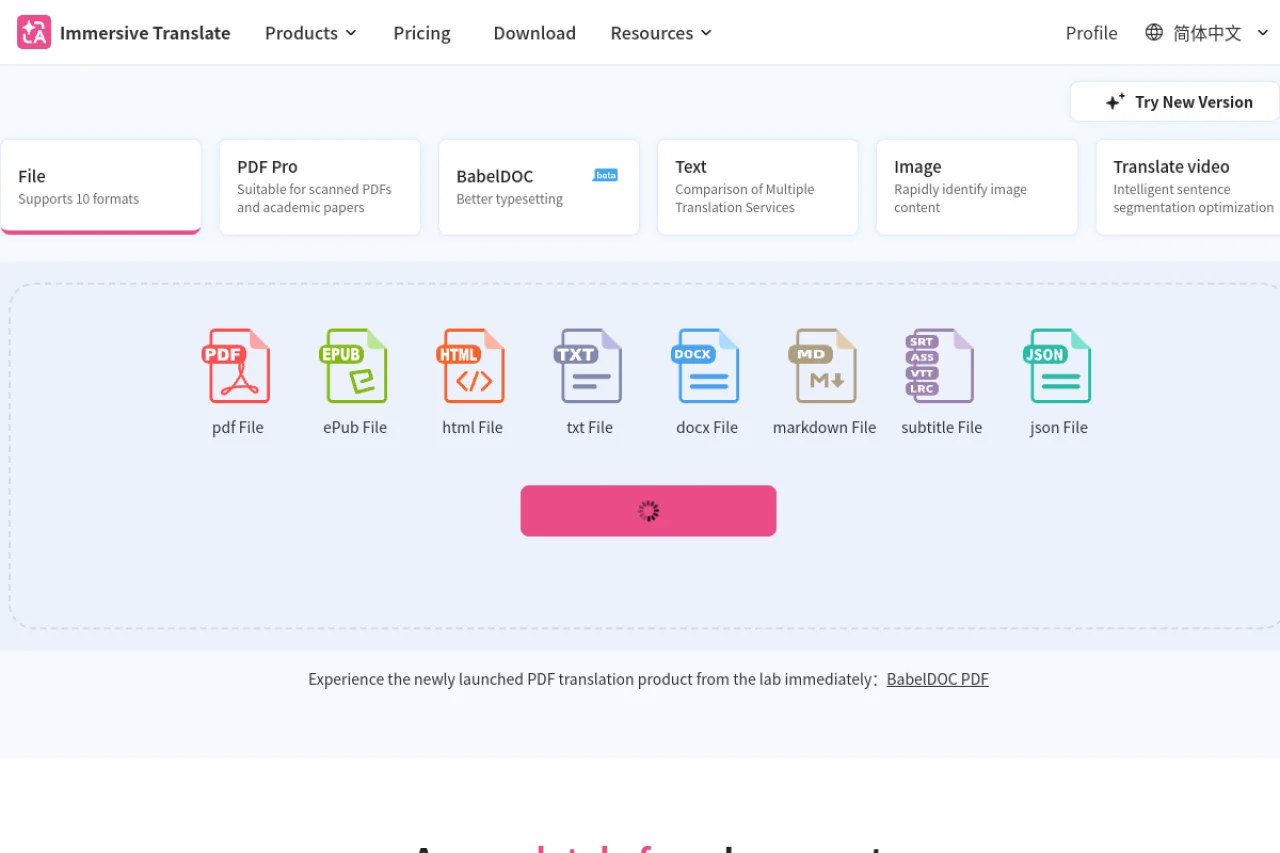
Immersive Translation scored lower on raw text generation (6.2/10) but earned a permanent place in our workflow for an entirely different reason. It is a bilingual reading and research tool that displays original text and translation side by side.
When we needed to research how German and Japanese tech blogs were covering the same topic, Immersive Translation let us read both languages simultaneously. The bilingual view preserved context that a single translated view would have lost. We caught a nuance in a Japanese article about "asynchronous communication" that translated versions had flattened into simply "remote work" — a meaningful distinction that shaped the entire angle of our final article.
Best for: Researching foreign-language sources, competitive analysis in international markets, and understanding cultural context that machine translation alone would miss.
Smodin AI Content Detector: The Quality Gate
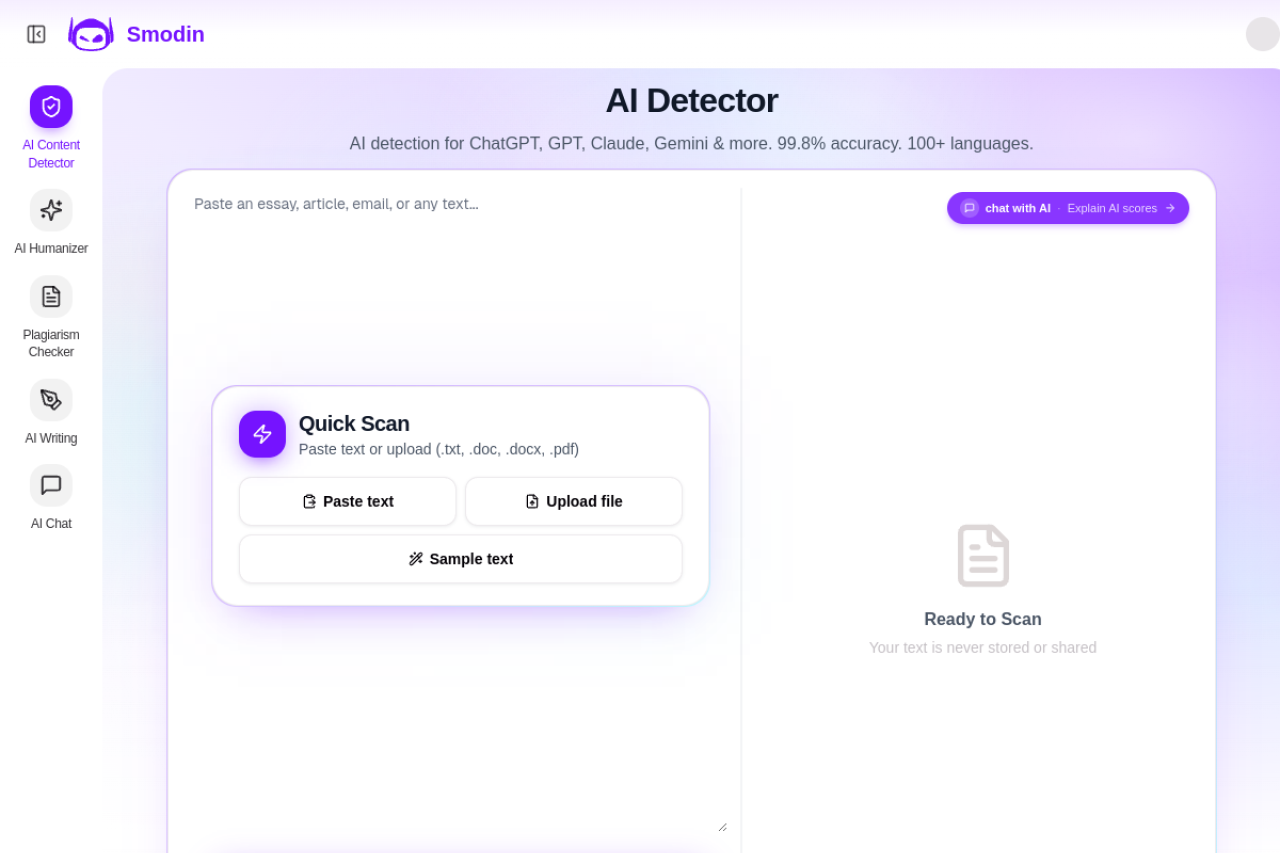
Smodin AI Content Detector is not a writing tool — it is a quality assurance tool, and it should be the final step in every AI-assisted writing workflow.
We ran all four test outputs through Smodin. Three of them scored above 80% "likely AI-generated." After we manually edited the DeepL-translated output (adding personal anecdotes, varying sentence openers, and breaking up long paragraphs), the score dropped below 30%. This confirmed what we suspected: the difference between "clearly AI" and "probably human" is not the base output — it is the editing pass.
Smodin's interface is straightforward. Paste in your text, click analyze, and it highlights sections that read as artificial. Use it the way you would use a grammar checker — as a diagnostic, not a judge.
Best for: Checking your final draft before publishing, identifying sections that need a human rewrite, and building confidence that your content will pass reader scrutiny.
The Editing Layer That Makes AI Text Human
The tools above handle different stages of the pipeline: research (Immersive Translation), drafting and translation (DeepL), and quality checking (Smodin). But none of them replace the most important step: human editing.
Here is the editing checklist we developed through this experiment:
- Vary sentence openers. If three consecutive sentences start with "The," "This," or "It," rewrite at least one.
- Add a personal anecdote or example. AI cannot tell your story. One specific detail from your experience does more for authenticity than any tool.
- Break up long paragraphs. AI tends to write dense blocks of text. Aim for paragraphs of 2-4 sentences.
- Read it aloud. If you stumble over a sentence, your readers will too.
- Run Smodin as your final check. If it flags sections, rewrite them — do not just accept the AI version.
AI writing tools give you speed. Human editing gives you voice. The combination is what produces content that actually gets read.
Read next: Writing 3 Posts a Week? Here Is How AI Prevents Burnout