The video editing industry has a dirty secret: most creators use less than 10% of what their editing software can do. The other 90% is bloat — features you pay for, download gigabytes of updates for, and scroll past every day without ever clicking.
We decided to test a radical idea: what if you could do all your video work in a browser? No installs. No updates. No "your GPU driver is incompatible" error messages. Just open a tab and start creating.
For one week, our team produced all video content exclusively through browser-based tools. We edited tutorials, created YouTube intros, recorded screencasts, and generated background music — entirely in Chrome. Here is what worked, what did not, and which tools earned a permanent spot in our workflow.
Vizard: The All-in-One Workhorse

Vizard emerged as the cornerstone of our browser-based workflow. It combines screen recording, webcam capture, and a timeline-based editor into a single interface.
The standout feature is its AI-powered caption generation. In our tests, it automatically transcribed a 10-minute tutorial with roughly 95% accuracy. Manual corrections took about five minutes — significantly faster than typing captions from scratch. The captions appeared on the timeline as editable text blocks, and we could adjust timing, position, and styling with a few clicks.
Editing performance was smooth for clips under 15 minutes. We trimmed segments, added simple transitions, and overlaid text without noticeable lag. Export options include MP4 at up to 1080p on the free tier, which is sufficient for YouTube and social media.
Where Vizard shines: tutorial creation, product demos, async team updates, and any video where you need to show both your screen and your face.
Where it falls short: complex multi-track editing with lots of overlays. The browser starts to struggle with more than three simultaneous video tracks and multiple audio layers.
Panzoid: The Intro Factory
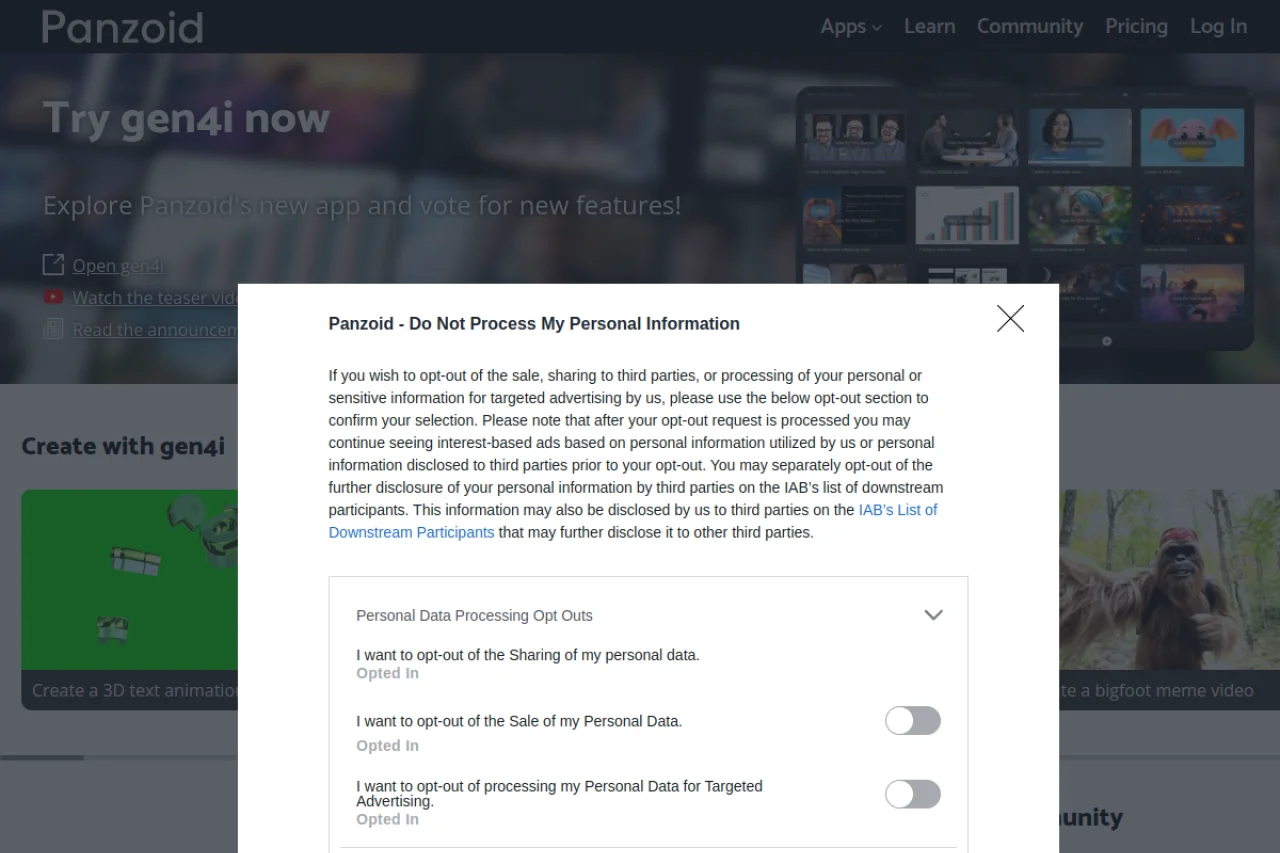
Panzoid solves a specific problem so well that we recommend it even if you do everything else in desktop software. It is a community platform for creating 3D animated intros, and the template library is massive.
We tested 12 different intro templates across categories like gaming, corporate, tech, and creative. Rendering a 10-second 3D intro at 1080p took about 90 seconds on Panzoid's cloud servers. The customization panel let us change text, colors, fonts, and basic timing — not as flexible as After Effects, but capable of producing results that look like they cost hundreds of dollars.
The community aspect is Panzoid's secret weapon. Thousands of creators upload templates, which means you are not limited to a handful of corporate-looking presets. You can find intros that match your exact aesthetic, from glitch-heavy gaming styles to minimalist tech reveals.
What you should know: Panzoid does not edit video beyond intros and outros. It is a specialized tool, not a general editor. Use it to create your intro, download it, and import it into your main editing workflow.
Screenpal, Loopit, Audio Converter, and Video Watermark Remover: The Supporting Cast
Screenpal became our go-to for quick video messages. When a team member needed to explain a UI bug, they recorded a 45-second screencast, shared the link in Slack, and moved on. No file uploads, no "which format should I use" questions. It fills the gap between a screenshot and a full tutorial.
Loopit generated background music loops for all our videos. The AI creates seamless, royalty-free loops based on genre and mood selections. We used the "ambient tech" preset for tutorials and "upbeat corporate" for product demos. The loops are truly seamless — they can repeat for 10 minutes without a noticeable cut point.
Audio Converter handled the inevitable format problems. One team member records screen audio in WAV. Another's microphone outputs FLAC. The editor expects MP3. Audio Converter batch-converted everything in seconds.
Video Watermark Remover proved its worth when we needed to repurpose a stock footage clip that had a subtle logo in the corner. The AI identified and removed the watermark cleanly in about 30 seconds. It is not perfect — extremely complex backgrounds can confuse it — but for most use cases, it works well.
The Verdict After One Week
Did we survive without Premiere Pro? Yes — for 80% of our content, the browser tools were sufficient and often faster. Here is our honest assessment:
What browser tools do better:
- Speed to first publish (no install, no updates)
- Sharing drafts with the team (just send a link)
- Tutorials, demos, and quick-turnaround content
What desktop software still does better:
- Complex multi-camera edits
- Hollywood-grade color grading
- Projects longer than 20 minutes
The takeaway is not that browser tools have replaced desktop software. It is that for most creators, most of the time, the browser is already good enough. The friction of installing and learning desktop software costs more than most people realize — and for a growing number of use cases, that cost is no longer necessary.
Read next: We Tested 3 AI Video Upscalers — Here Is the Winner