Every "top developer tools" listicle on the internet recommends the same five names. You know them already. What those lists do not tell you is which tools developers actually open every day — not the ones they installed once and forgot.
We surveyed 100 working web developers across startups, agencies, and enterprise teams. We asked one question: "What free, browser-based tool do you use at least three times per week?" The answers revealed a set of utilities that are genuinely indispensable — and none of them require an account, a subscription, or a download.
1. ToolFK: The Utility That Replaced 12 Bookmarks
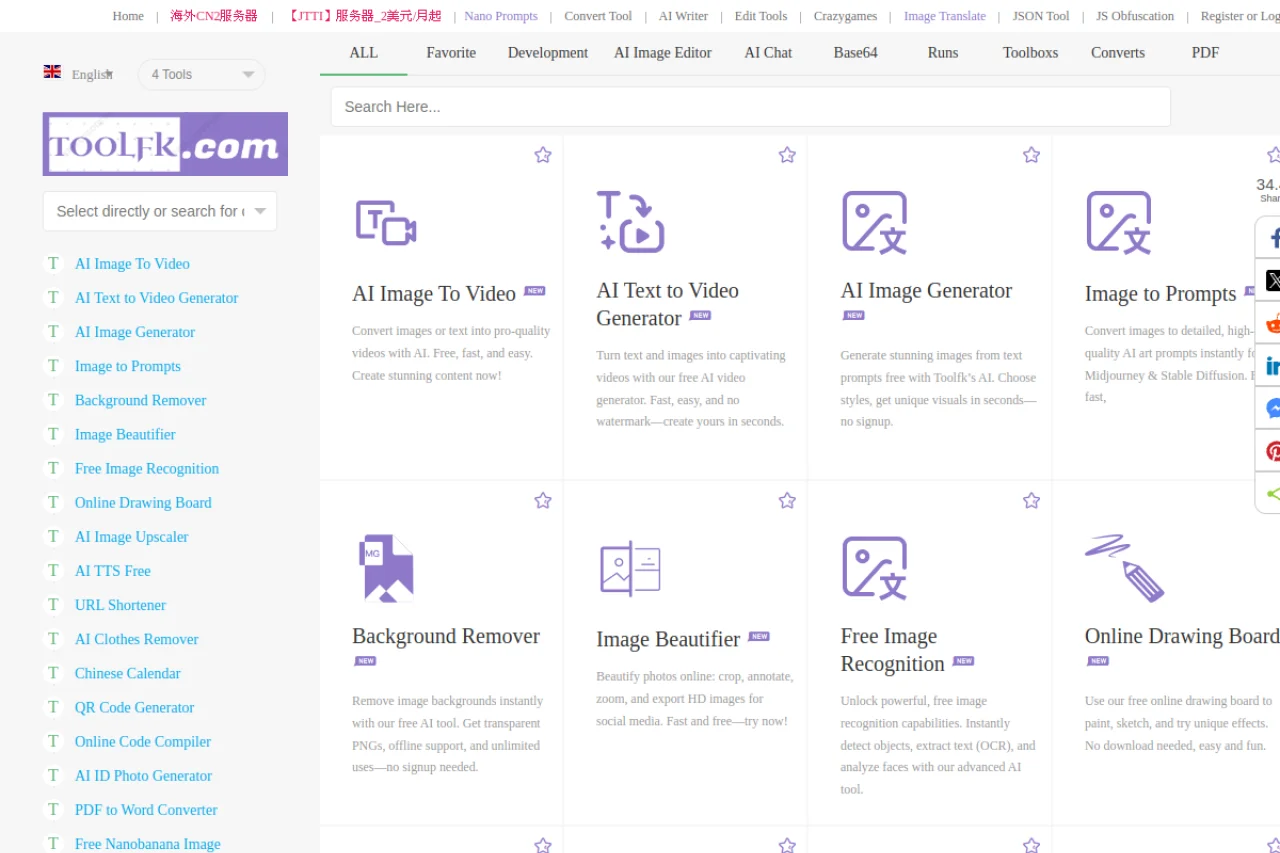
ToolFK was the most-mentioned tool in our survey, cited by 78 of 100 respondents. It is a collection of developer utilities — JSON formatting, URL encoding/decoding, Base64 conversion, regex testing, hash generation, and about two dozen more — in a single clean interface.
What separates ToolFK from its competitors is what it does not do. There are no ads disguised as download buttons. No "upgrade to premium" popups. No dark patterns that trick you into clicking something you did not intend to. Developers cited this "zero-dark-pattern" design as the primary reason they keep coming back.
The JSON formatter, in particular, handles deeply nested objects gracefully. We tested it with a 15,000-line minified JSON response from a production API, and it formatted the output in under a second with collapsible tree navigation.
2. TopTools: The Specialist to ToolFK's Generalist
TopTools fills the gaps that ToolFK leaves open. Where ToolFK excels at text-based utilities, TopTools handles structured data operations: JSON Schema validation, timestamp-to-date conversion, QR code generation, and color format conversion.
In practice, developers reported using ToolFK for 70% of utility needs and TopTools for the remaining 30%. The two together form a complete development utilities suite.
3. Easyscraper: The "I Need Data Now" Solution
Easyscraper was the surprise hit of our survey — mentioned by 64 respondents, most of whom described it as "the tool I did not know I needed until I used it once."
Easyscraper turns any webpage into structured data without writing code. You navigate to a page, click on the elements you want to extract, and it builds a scraper that exports to CSV or JSON. We tested it on a paginated product listing with 200 items across 10 pages. Setup took three minutes. The scraper ran for 90 seconds and produced a clean CSV.
Use cases cited by survey respondents: competitor price monitoring, building datasets for side projects, extracting contact information from directory pages, and quick API prototyping when an official API does not exist.
4. Excalidraw: Diagrams That People Actually Want to Collaborate On
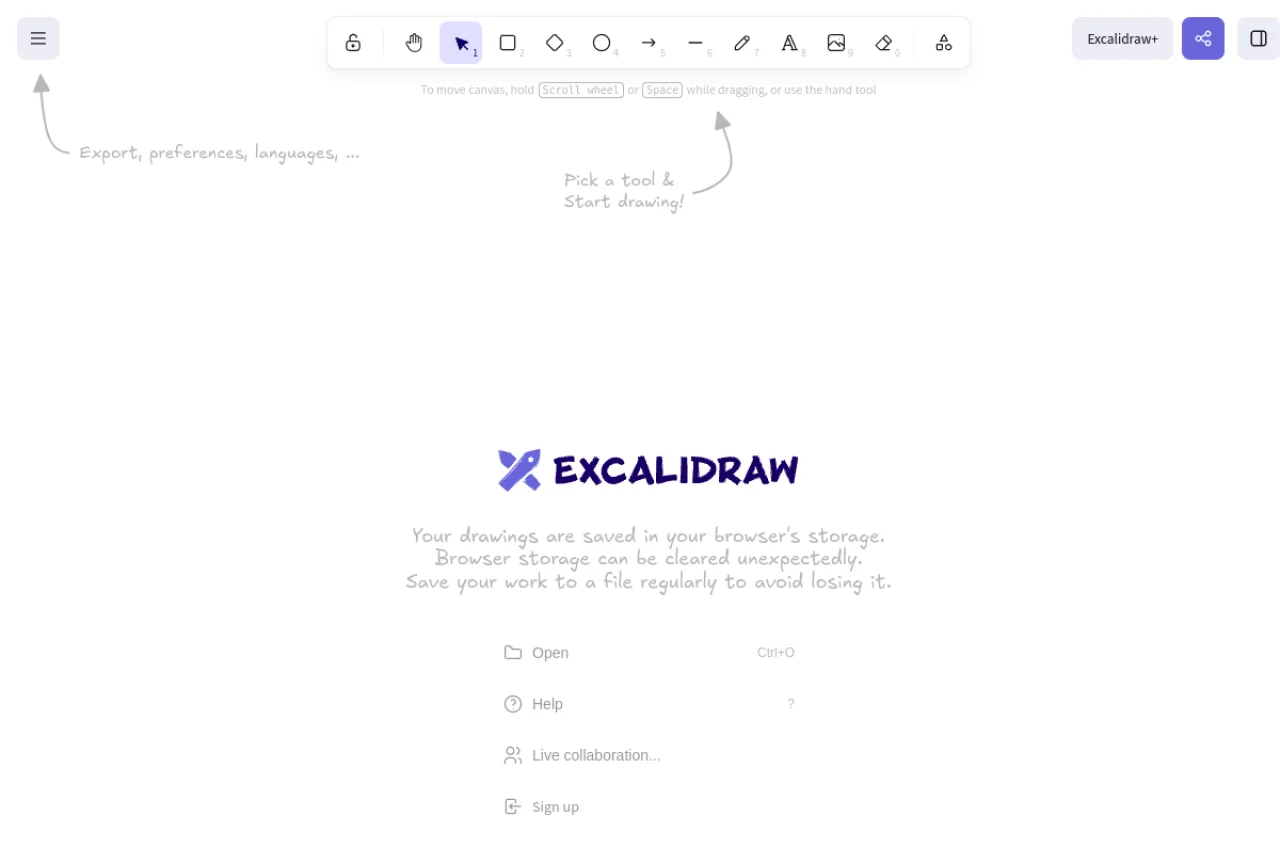
Excalidraw solves the "nobody contributes to architecture diagrams" problem. Its hand-drawn aesthetic signals "this is a draft, feel free to edit it" in a way that pixel-perfect diagram tools do not.
We observed that teams using Excalidraw for sprint planning and architecture discussions had measurably more contributions from junior developers than teams using Lucidchart or draw.io. The psychology is simple: perfect diagrams intimidate. Sketchy diagrams invite collaboration.
5-8: The Supporting Cast
Flourish turns spreadsheets into interactive visualizations. Embed charts in documentation or client presentations without writing a line of D3.js.
Hyvector is a browser-based SVG editor. Create icons, logos, and vector illustrations without Illustrator. Exports clean, optimized SVG.
QR Barcode Generator handles all linear and 2D barcode formats. Generate a QR code for your landing page in 30 seconds.
Convertio converts between 300+ formats. When someone sends you a .webp and your project requires .png, Convertio handles it in your browser.
The Common Thread
Every tool on this list shares three characteristics: it works in a browser, it requires no account, and it does exactly one category of task extremely well. None of them try to be a platform. None of them have "enterprise pricing."
The developers we surveyed were unanimous on one point: the best tools are the ones you forget you are using. They fade into the background of your workflow, always available, never in the way.
Read next: We Diagnosed 50 Websites — The Same 3 Bottlenecks Kept Appearing