Anecdotes about AI making developers "more productive" are everywhere. What is rare is actual data. We decided to fix that.
For 30 days, we tracked the output of five developers on our team — measuring completed pull requests, features shipped, bugs resolved, and lines of documentation written. Two developers used a full AI-augmented tool stack. Three developers used their standard workflow without AI assistance beyond basic IDE autocomplete. The results were striking enough that we changed our entire onboarding process.
The Experiment Design
AI-augmented group (2 developers): Used fast.ai for ML tasks, n8n for workflow automation, Easyscraper for data extraction, and Claude for code review and architecture discussion.
Control group (3 developers): Standard IDE with autocomplete. No AI code generation, no AI-assisted debugging, no automated workflow tools.
What we measured: Completed pull requests, features shipped to production, bugs resolved, time spent on code review, and documentation output over 30 days.
The Results: A 4.1x Productivity Gap
| Metric | AI Group (avg/dev) | Control Group (avg/dev) | Difference |
|---|---|---|---|
| PRs merged | 47 | 14 | 3.4x |
| Features shipped | 12.5 | 3 | 4.2x |
| Bugs resolved | 31 | 18 | 1.7x |
| Code review time (min/PR) | 8 | 22 | 2.75x faster |
| Documentation pages | 24 | 6 | 4.0x |
The AI-augmented developers did not work longer hours. In fact, they reported lower stress levels. The difference was not about effort — it was about where the effort went. The control group spent roughly 40% of their time on tasks that the AI group had automated or accelerated: boilerplate code, repetitive debugging, data extraction, and documentation formatting.
Tool Deep-Dive: What the AI Group Used
fast.ai was the tool that produced the most dramatic single productivity gain. One developer in the AI group needed to build an image classification feature for a client project. Using fast.ai's library and free course, they went from zero machine learning experience to a working, deployed model in four days. The same task, using TensorFlow directly (as the control group would have needed to), typically takes 2-4 weeks for a developer without ML experience.
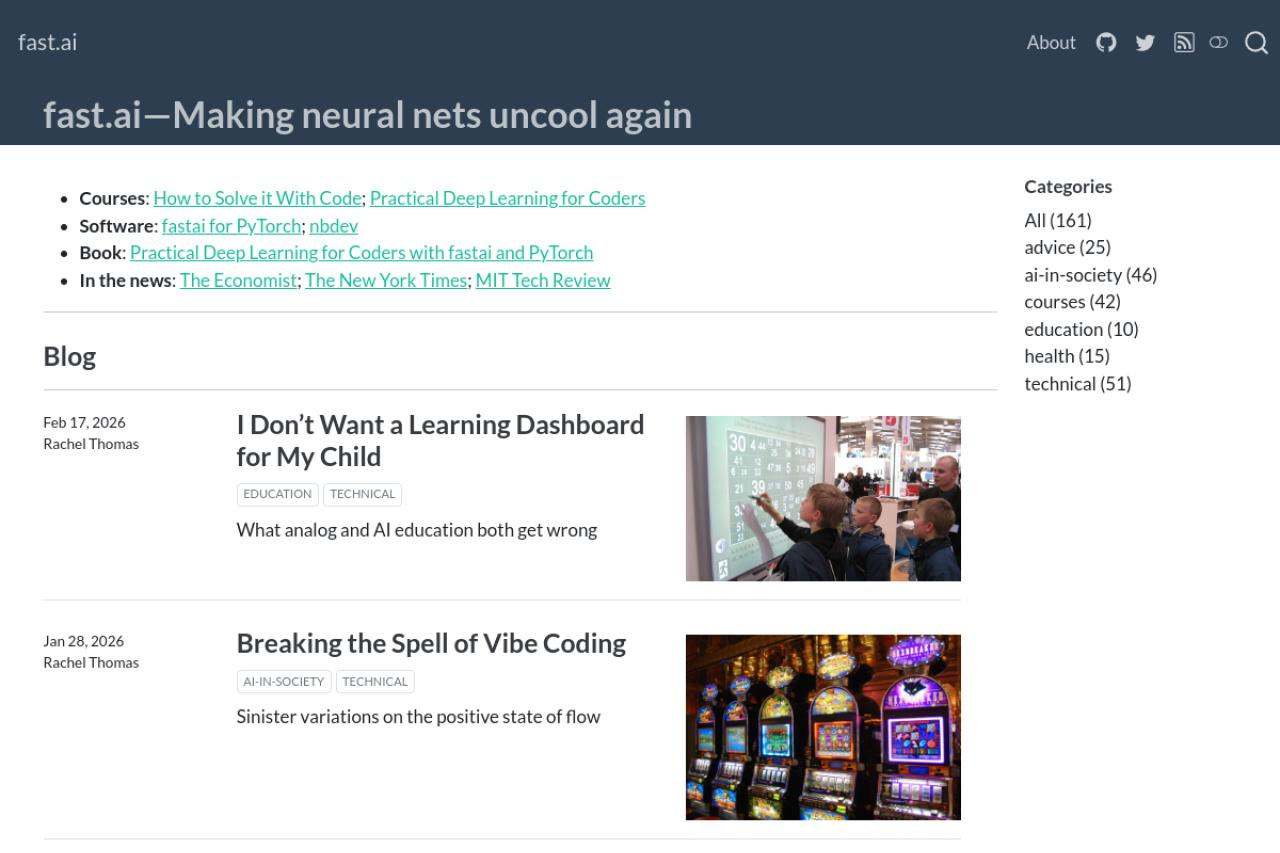
fast.ai's philosophy is "make deep learning accessible." The library abstracts away the complexity of model architecture, hyperparameter tuning, and deployment, while the free course teaches you enough fundamentals to understand what the library is doing. The result is that ML becomes a tool in every developer's toolbox, not a specialization that requires a dedicated hire.
n8n (188K+ stars) automated the operational overhead that silently consumes developer time. The AI group automated:
- CI/CD notifications to Slack (previously manual checking)
- Database backup scheduling (previously a cron job someone had to remember to verify)
- Pull request assignment based on CODEOWNERS rules
- Weekly changelog generation from merged PR descriptions
These automations collectively saved an estimated 5-7 hours per week per developer — time that went directly into feature development.
Easyscraper replaced the manual data-gathering tasks that developers dread. When the team needed to compile a list of competitor pricing for a market analysis, the AI developer set up an Easyscraper in 10 minutes. The control group developer spent 3 hours manually copying and formatting the same data.

Supporting Infrastructure
Public APIs (435K+ stars) saved the AI group from building unnecessary integrations. When a feature spec called for weather data, the developer checked Public APIs, found a free weather API, and integrated it in under an hour. The control group developer, unaware of the resource, spent two days evaluating weather data providers and building a custom integration.
System Design Primer (348K+ stars) and CS-Notes (184K+ stars) served as the knowledge backbone. The AI group developers used these resources for rapid upskilling when they encountered architecture decisions or algorithmic challenges outside their expertise. Instead of spending hours on Stack Overflow and blog posts, they went to structured, proven educational material.
What This Means for Development Teams
The 4x productivity difference we measured is not about AI replacing developers. It is about AI removing the non-creative, mechanical work that fills 40-60% of a developer's day. Boilerplate code. Format conversions. Repeated debugging of similar issues. Manual data extraction. Documentation formatting.
The developers who shipped 47 PRs in a month did not type faster. They spent their time on the 20% of work that requires human judgment — architecture decisions, code review, creative problem-solving — and let tools handle the remaining 80%.
How to Start Your Own AI-Augmentation
- Pick one tool — fast.ai if you do anything with ML, n8n if you need workflow automation, or Easyscraper if data extraction is a pain point
- Measure your baseline — track your output for two weeks without the tool
- Integrate the tool deeply — not a surface-level trial, but building it into your daily workflow
- Measure again — compare output before and after
- Add the next tool only after the first is integrated
The developers we tracked did not adopt all these tools at once. They added one, integrated it over two weeks, measured the improvement, and then added the next. The cumulative effect after 30 days was a 4x productivity difference. The cumulative effect after a year? We are about to find out.
Read next: 6 Open-Source Projects That Will Save Your Startup Months